
PRACTICAL SOFTWARE. ROOTED IN AGRICULTURE.
Agriculture apps.
A clearer season.
Farm management software for the work you do every day. Organize crop and orchard records, agricultural activities, costs and harvests with specialized Matcos AI apps.
Crops for field production. Haskap for haskap orchards.
Both applications are currently in testing.
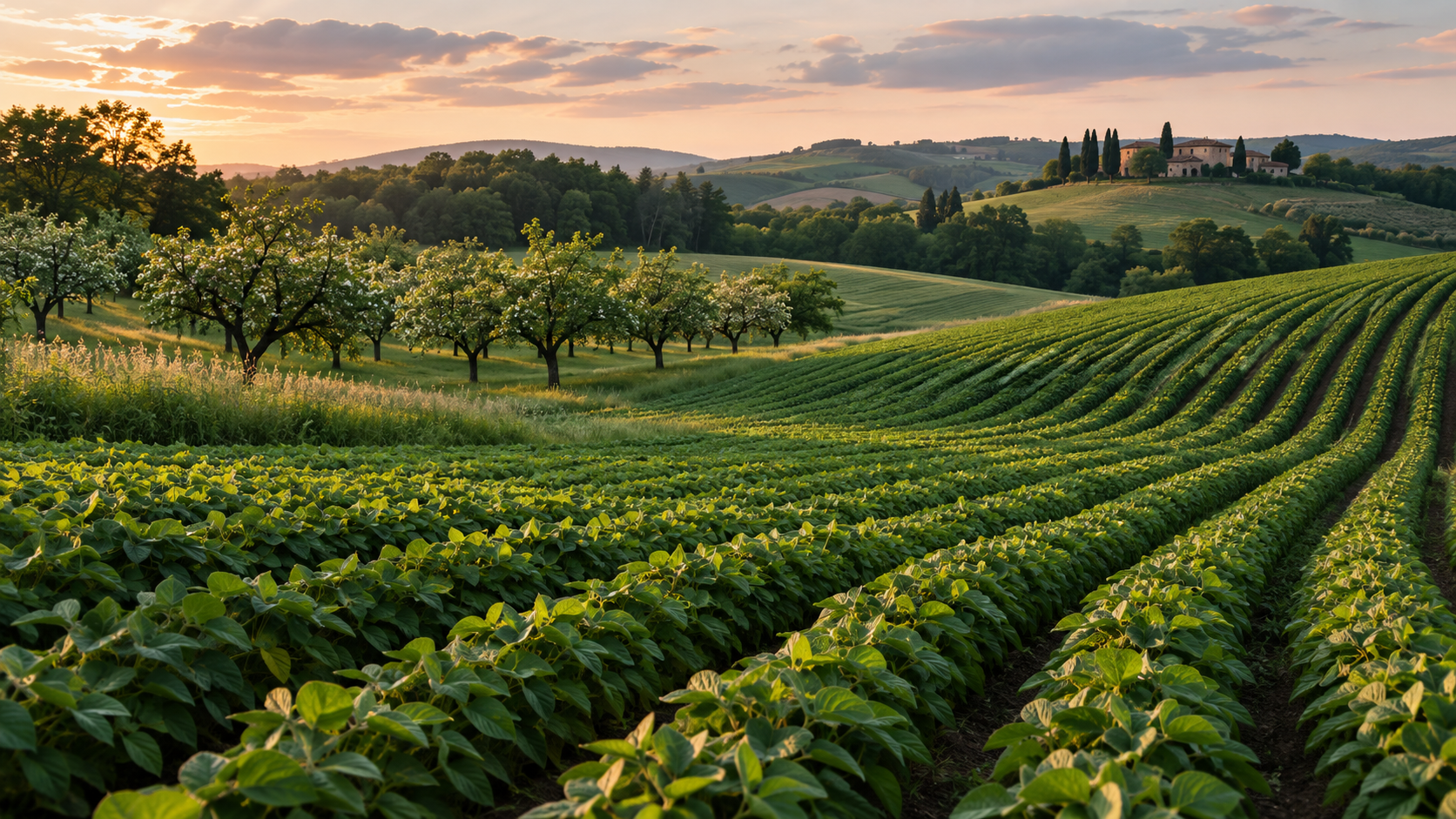
SPECIALIZED BY NATURE
Different ways of growing.
The right tool for yours.
Choose an application built around your agricultural activities, then explore the records it helps you organize.
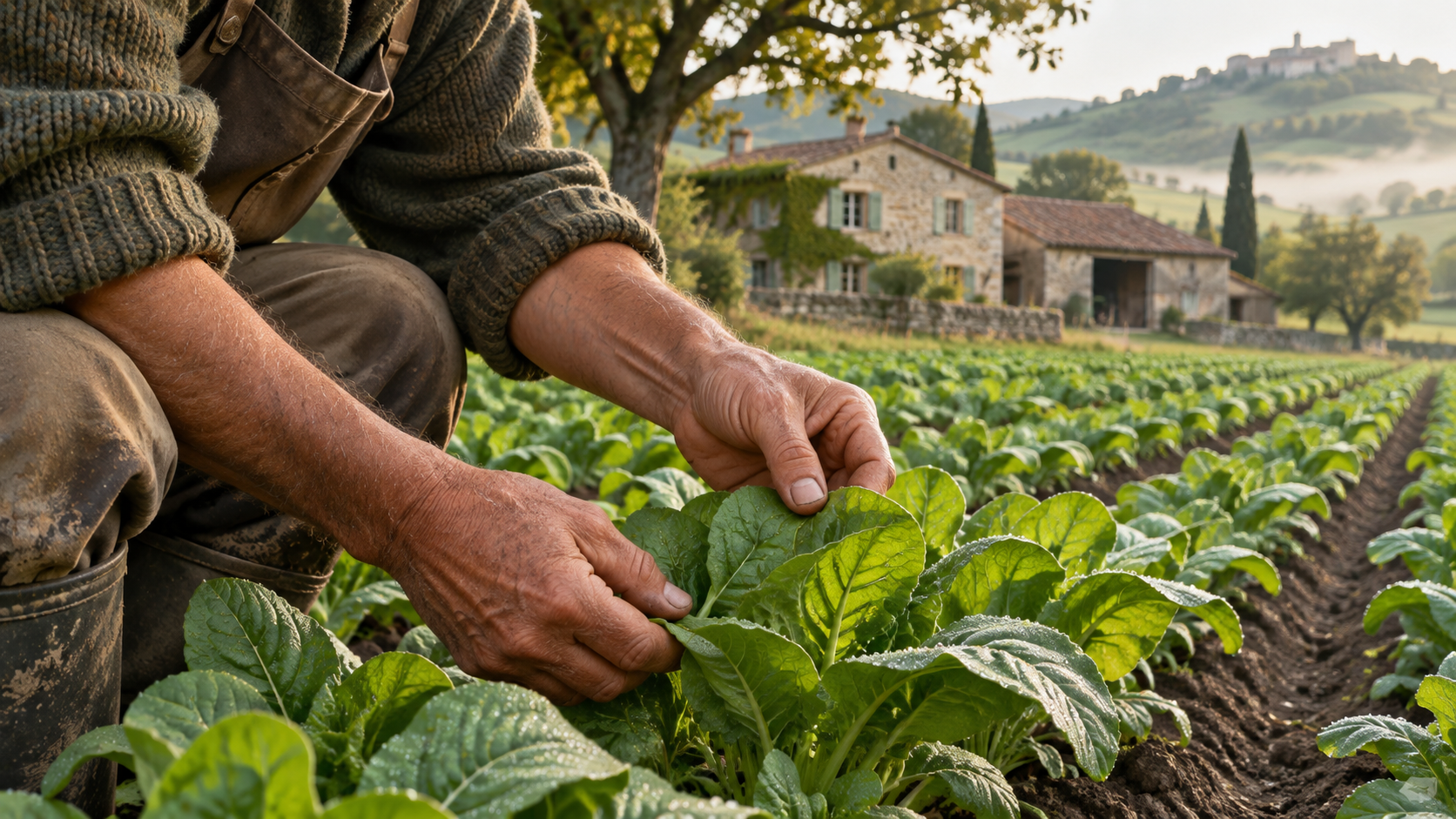
FROM FIELD WORK TO USEFUL RECORDS
01 / FIELD & CROP MANAGEMENT
Crops
Your growing season, better organized.
For producers who want to keep fields, agricultural work and production information together. Maintain records of costs, income and progress throughout the season.
Fields, crops and agricultural work
Organize field and crop information alongside records of agricultural activities.
Costs, income and production progress
Maintain production records and track the costs and income associated with your agricultural work.
Prices and useful calculations
Explore the app’s price information and agricultural calculation tools.
Testing build · Check current functionality before using it for essential records.
02 / HASKAP ORCHARD MANAGEMENT
Haskap
Every planting. Every harvest. A better record.
Specifically for haskap growers. Bring orchard information, planting records, agricultural activities and harvest records into a dedicated application.
Orchard and planting records
Keep information about your orchard and plantings organized for ongoing recordkeeping.
Agricultural activities and harvests
Record orchard activities and harvest information as the season progresses.
Costs and production progress
Maintain cost records alongside the production information that matters to your orchard.
Currently in testing · Pricing and testing terms are not confirmed here.
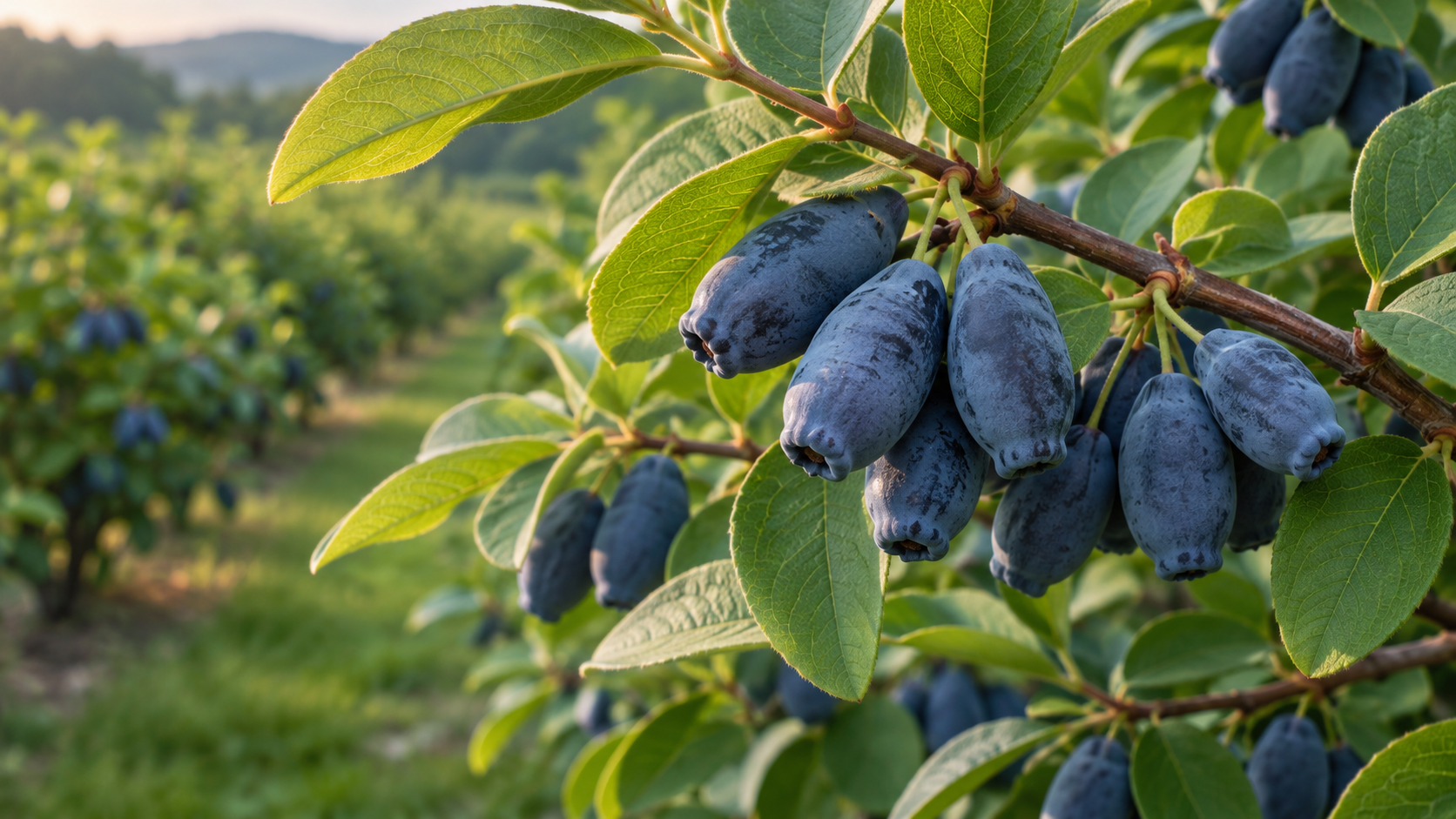
BUILT AROUND THE DETAILS OF YOUR ORCHARD
THE VALUE OF A USEFUL RECORD
Make room for a clearer picture.
↗
Connect the work
Keep agricultural activities alongside the field or orchard information they relate to.
+
Keep costs in view
Build a cost record alongside your activities and production information.
↺
Follow the season
Add production and harvest records over time so they are easier to revisit.
FROM EXPLORING TO RECORDKEEPING
Start with what you grow.
Choose your app, review its testing instructions and begin with the information you already know.
01
Choose your app
Crops for field production. Haskap for haskap orchards.
02
Open & explore
Open the browser link and review the current testing instructions.
03
Add your details
Start with your fields, crops, orchard or planting information.
04
Record your work
Build your records as activities, costs and harvests take place.
A CLEAR STARTING POINT
Explore the apps.
Know what to expect.
Crops and Haskap are currently in testing. Features and access conditions may change as development continues. Current prices, free-access terms and registration requirements are not confirmed on this page.
BEFORE YOU BEGIN
Good questions.
Straight answers.
What is Matcos AI?
Matcos AI is a collection of specialized agricultural applications for organizing field, orchard, work, cost and production records.
Which app should I choose?
Choose Crops for field and crop production records. Choose Haskap for records related specifically to haskap orchards.
Are these finished applications?
Both apps are currently in testing. Check their current functionality and instructions before relying on them for essential records.
Are the apps free?
Current pricing and testing terms are not confirmed on this page. Please verify the conditions for your chosen app before getting started.
Do I need to install anything?
The app links open in a browser. Installation options depend on the app, device and browser. Follow the instructions available in the app.
Which languages can I use?
The website has English, Serbian and Hungarian language routes. Check the language choices in each application separately.
FOR THE NEXT CHAPTER OF YOUR GROWING SEASON